Unity Tool - Model Control

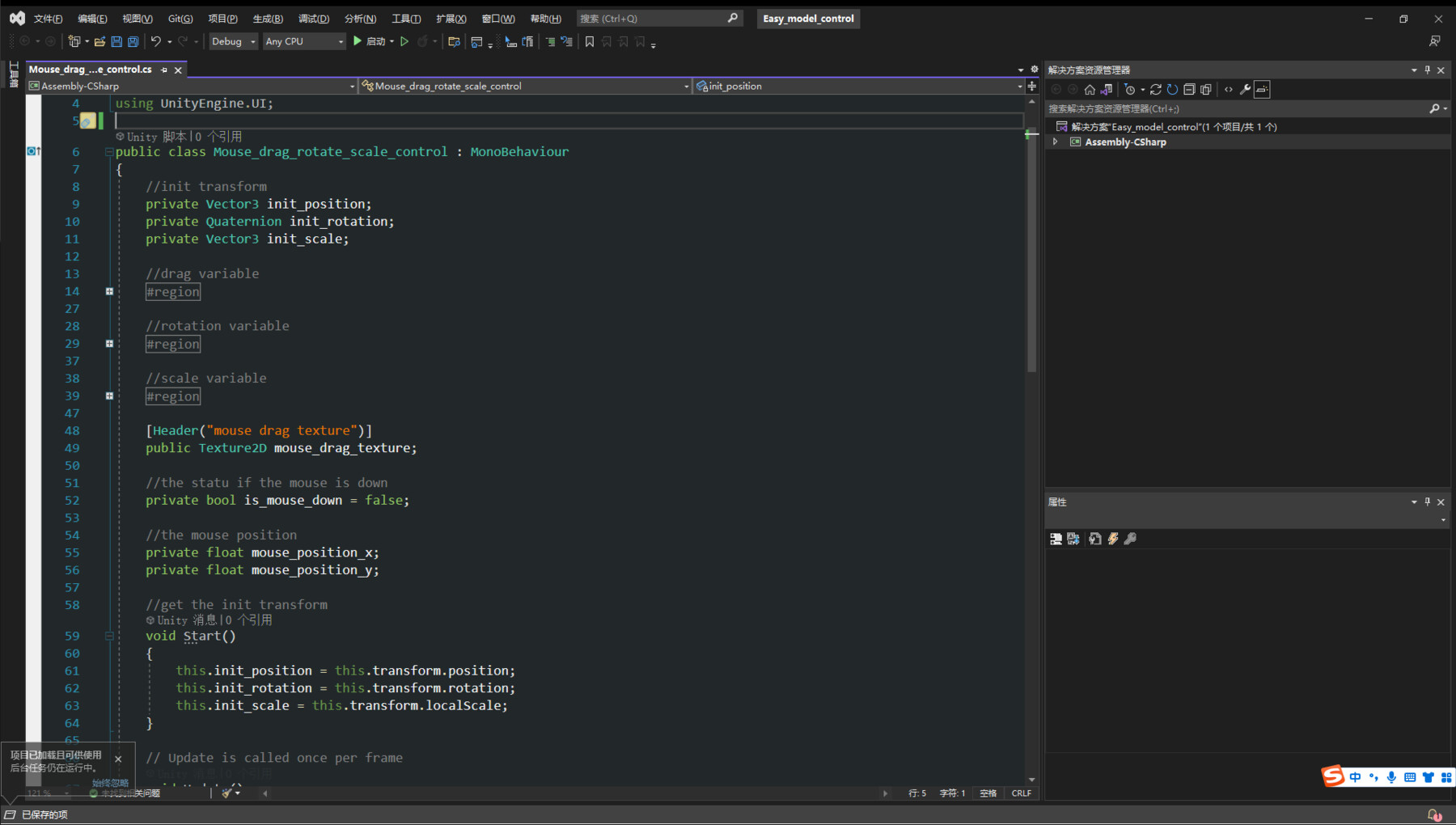
Youtube 1: https://www.youtube.com/watch?v=HBoGlXyWlrk&ab_channel=EasyGameStudio
Youtube 2: https://www.youtube.com/watch?v=2kNWULP8BA0&ab_channel=EasyGameStudio
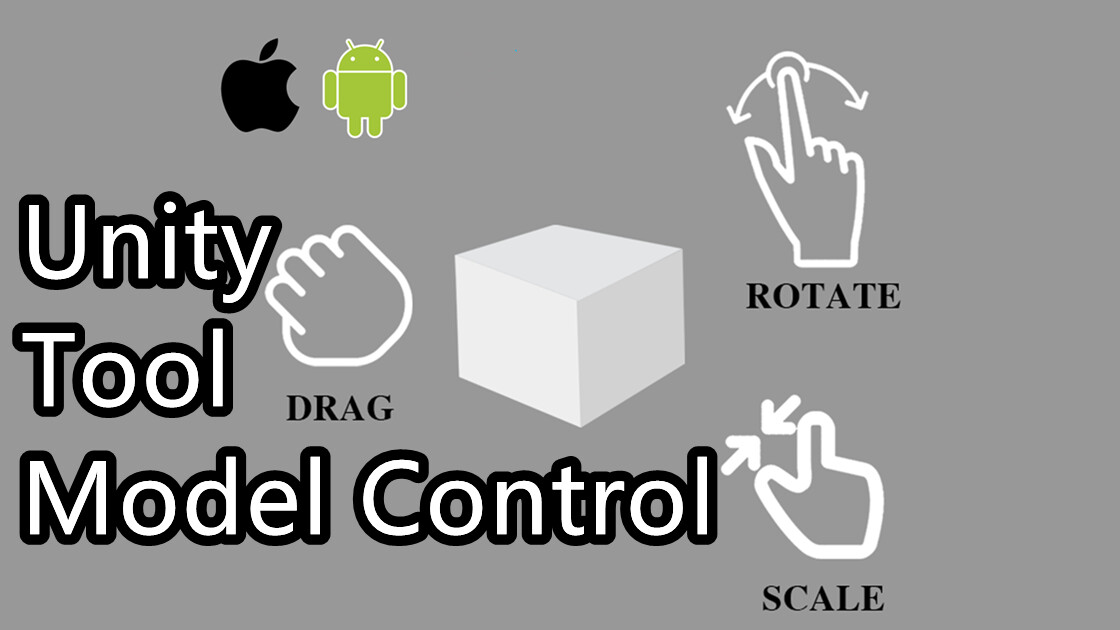
This is a plugin help you control your model. It is very easy to use. You can drag, rotate, scale your model without any code. If you are doing a AR project or VR project or display model function , then this tool is perfect for you. You just drag my code to your model. That’s it.
Main Feature:
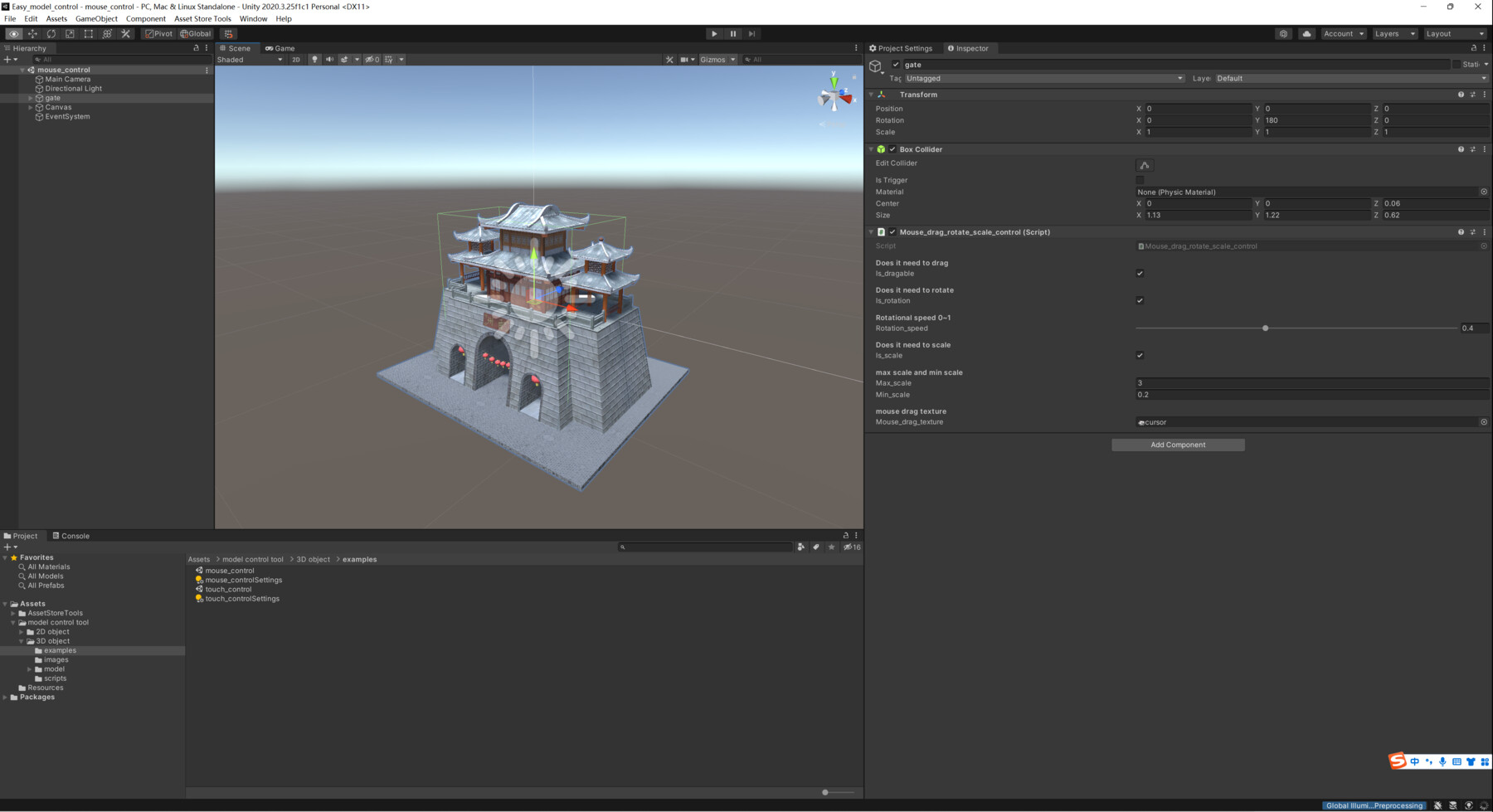
1. It is vert easy to integrate to your project. You just need to drag my code to your model. And modify some attributes in inspectoer.
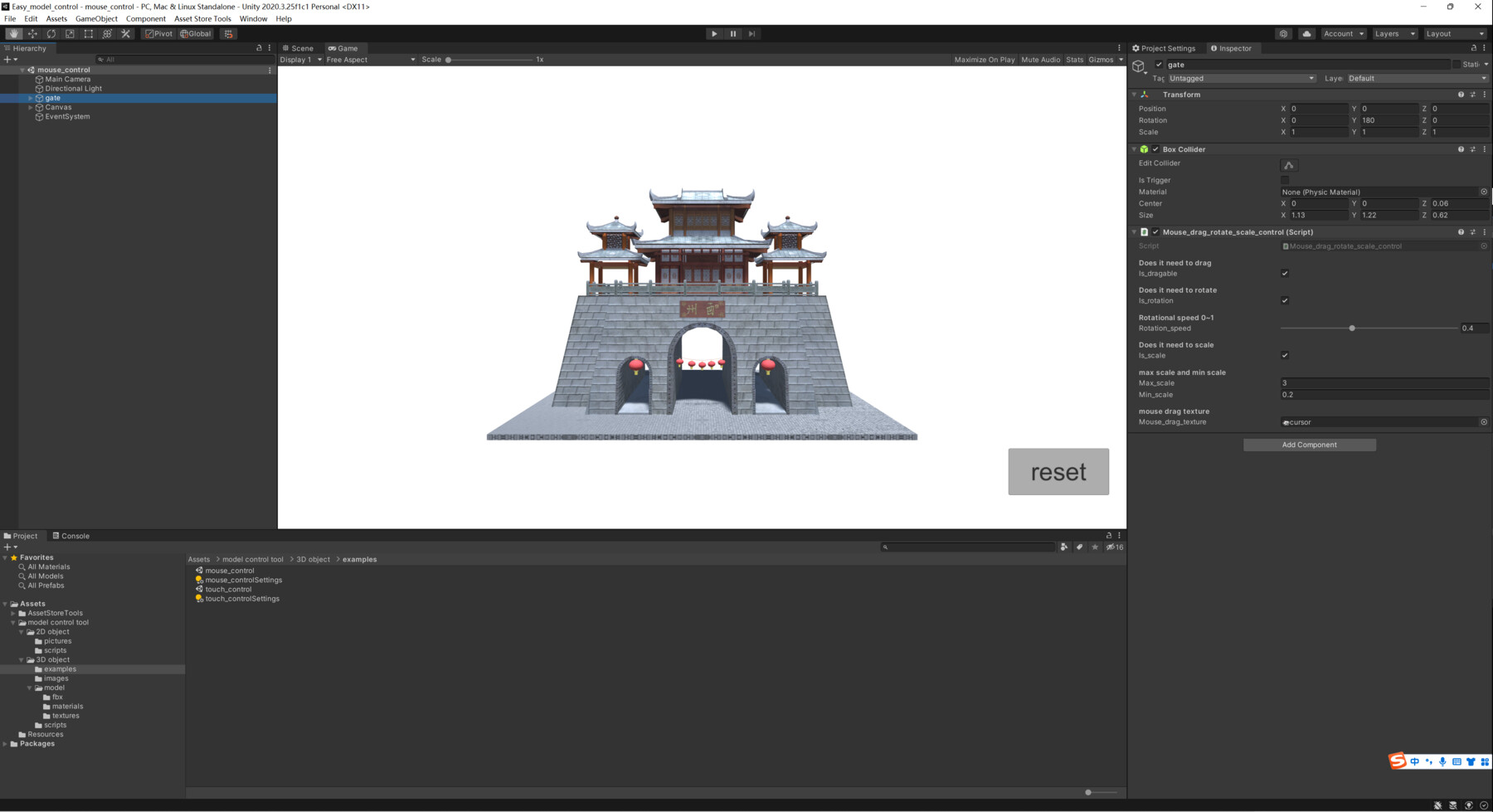
2. You can use mouse control your model in PC.
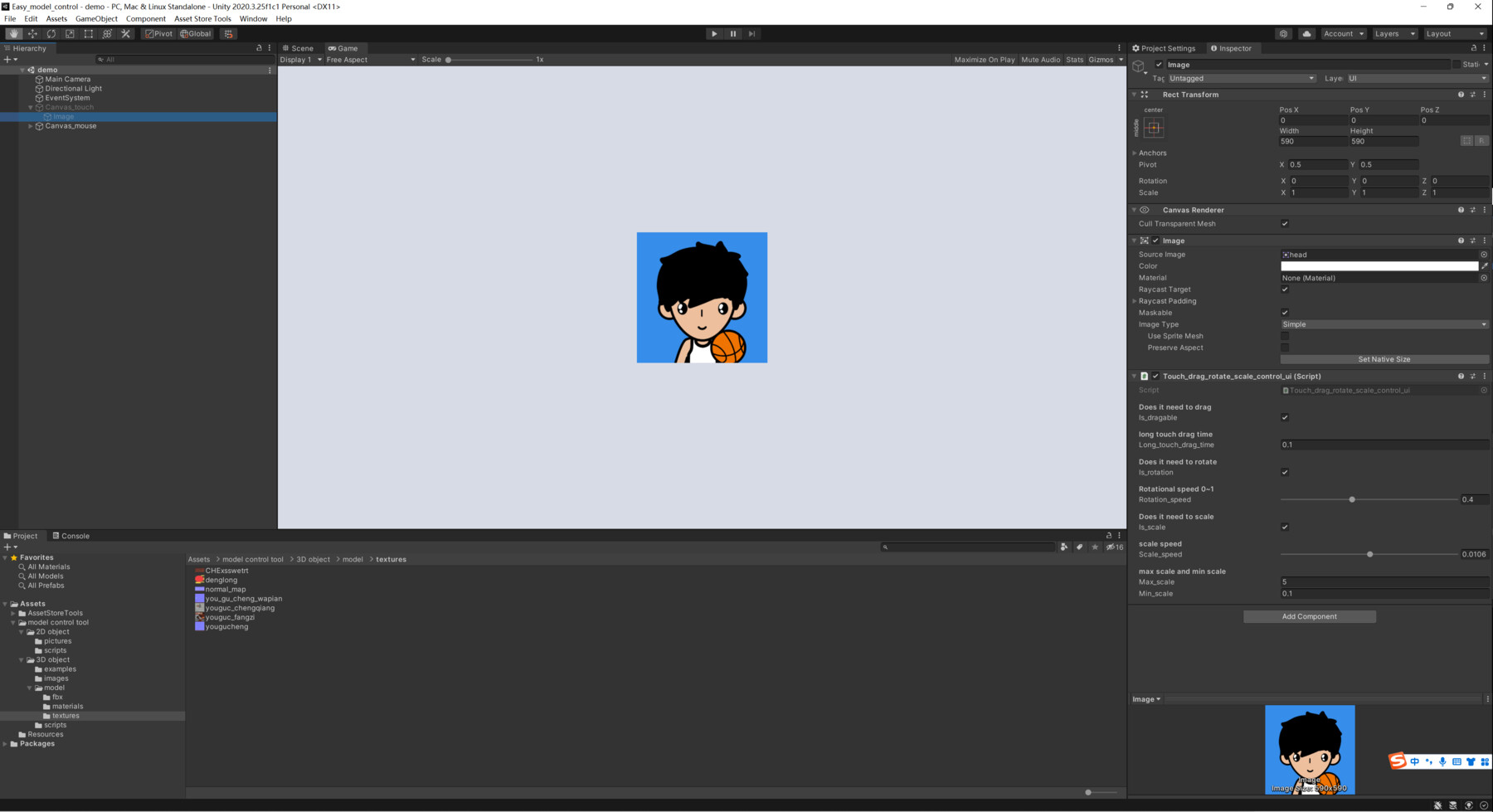
3. You can use figure touch control your model on a phone.
4. It is compatible for most platform. Like webGL, Android, IOS, Windows, Mac. And so on.
5. It is very suitable. If you want show some model in your website, or your AR application.
6. Good support.
7. There are two example scene. One is show you to mouse control model. Another one is show you how to use figure touch control model.
8. In inspector there are many parameters you can change, they are all with comments.
Attention :
1. If you want drag your model, you must add a collider to your model.
2. The example “touch_control” can not run success until you build it to your phone.
3. If you have any problem. Please contact me.
Contact Us:
If you have any questions, please feel free to contact us.
E-mail: sgzxzj13@163.com